📎 New Attachment System
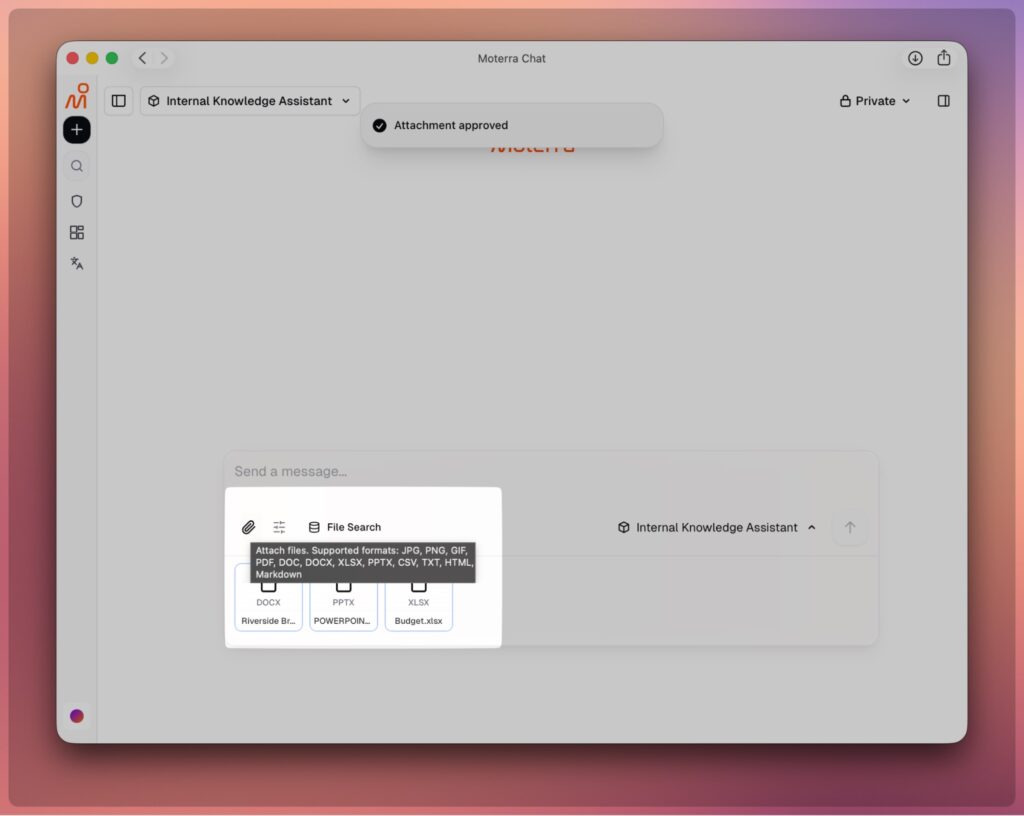
We’ve completely redesigned how you work with files:
- Preview files before sending – Check what’s in your files before submitting them to the chat
- Upload spreadsheets for AI analysis – Attach Excel or CSV files and ask the AI questions about your data. It analyzes them like a database and finds the answers you need (just like our Database Assistant does with your company databases)
- Better handling of images and PDFs – The AI now better understands charts, diagrams, and visual content in your documents
- Support for more file types – Upload more kinds of files with fewer size restrictions
⚡ Improved Document Generation
Better tools for creating documents:
- Handle longer documents – Work with larger files than before
- Better formatting – Generated documents look more professional with improved formatting
- Export to Word – Save the documents the AI creates for you (shown in the right sidebar) as Word (DOCX) files

🎨 User Interface Improvements
A cleaner, more convenient experience:
- Redesigned chat interface – Cleaner and clearer layout
- Copy-paste with formatting – Copy formatted text (bold, tables, lists) from Word or Google Docs and paste it directly into your message. All your formatting stays intact! (Previously, you had to use complicated markdown formatting)
- Many small improvements – Dozens of tweaks to make your daily work easier

📊 Internal Knowledge Assistant Improvements
Working with your company’s documents just got much better:
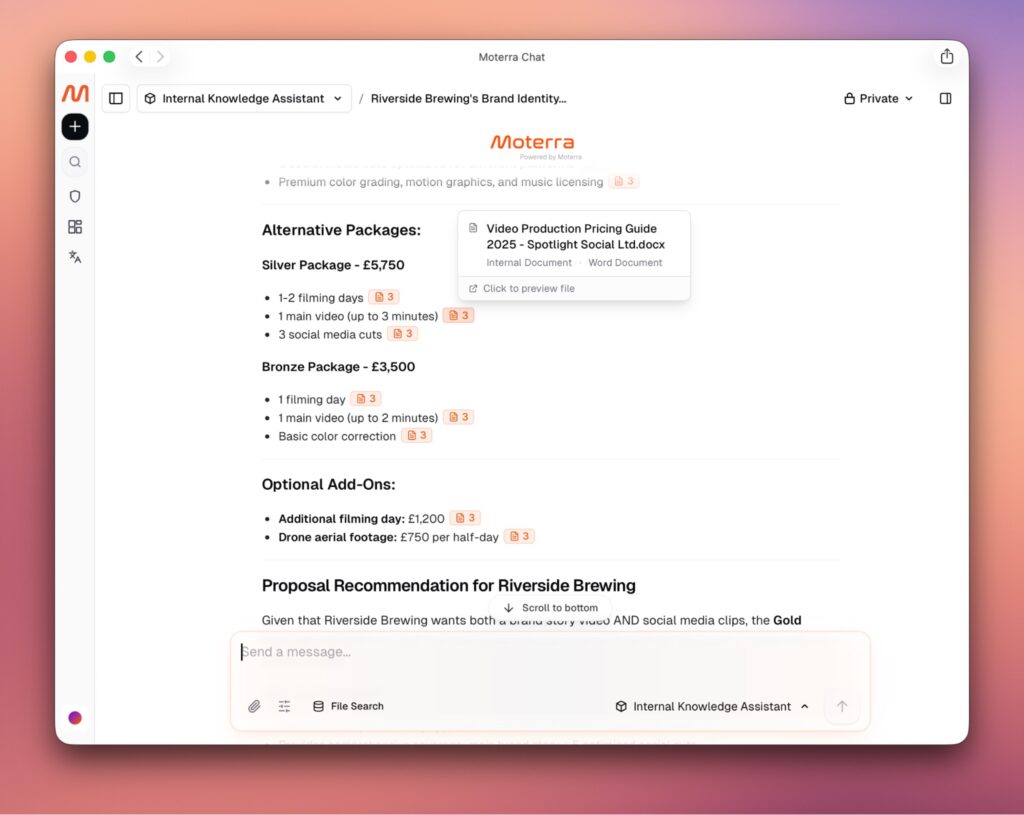
- Clearer file citations – New improved system shows which internal documents were used, with references that are easier to read and take up less space
- Smarter file handling – When an entire file is relevant and fits in context, the system now uploads the whole file instead of just pieces, giving you better answers
- PowerPoint and image support – Now searches and analyzes PPTX presentations and images from your knowledge base, and handles them as attachments too
- Preview files easily – View your company documents without needing to download them first
🔍 Web Search Improvements
Finding information online is now better than ever:
- Faster responses – Get answers much more quickly
- More reliable – Works consistently even with complex searches
- Better source citations – See where information comes from with clearer, easier-to-read references that take up less space
- Improved interface – Results are easier to understand and navigate
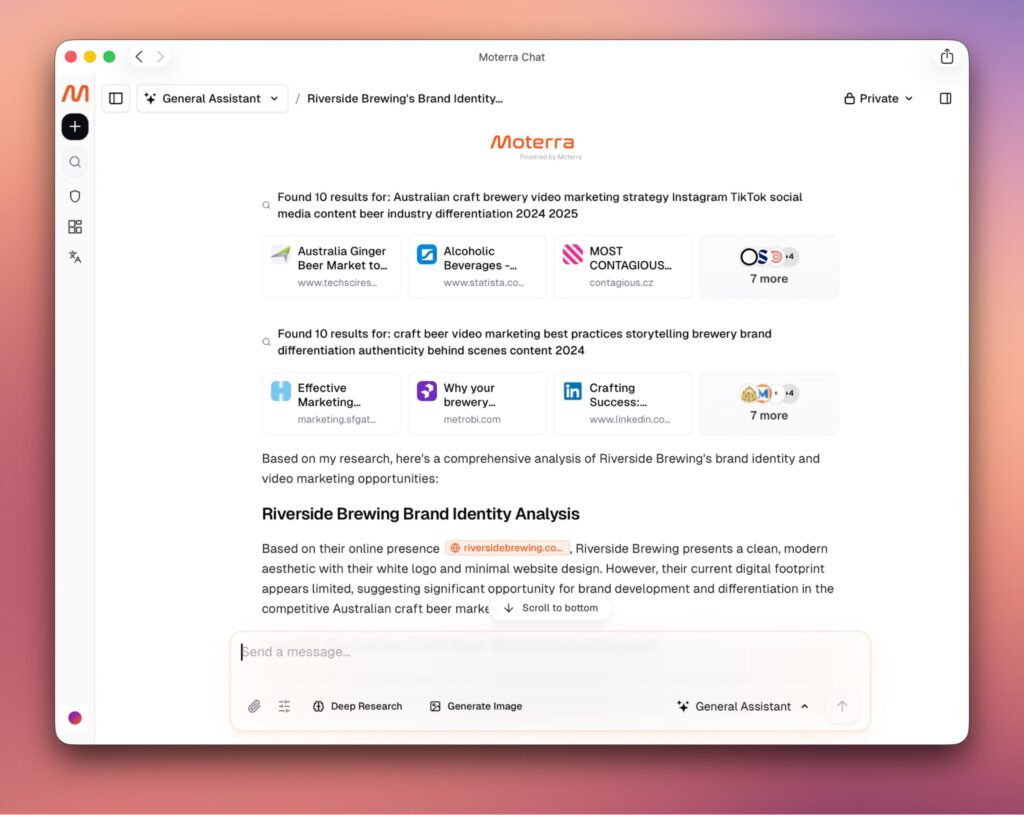
🌐 Translation Assistant
A new capability for all your translation needs:
- Translate entire documents – Upload files and get back fully translated versions with all formatting preserved
- See costs upfront – Get an estimate before translating so you can make informed decisions
- Works with various file types – Translate Word documents, PDFs, presentations, and more
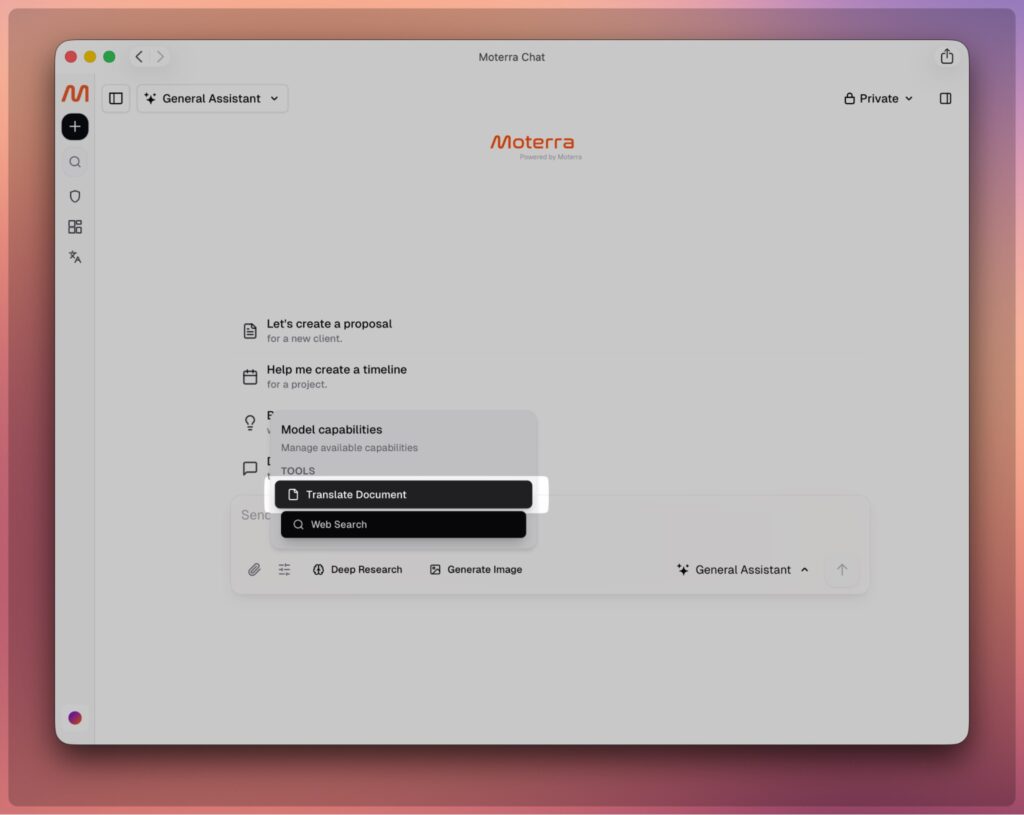
📱 Mobile Improvements
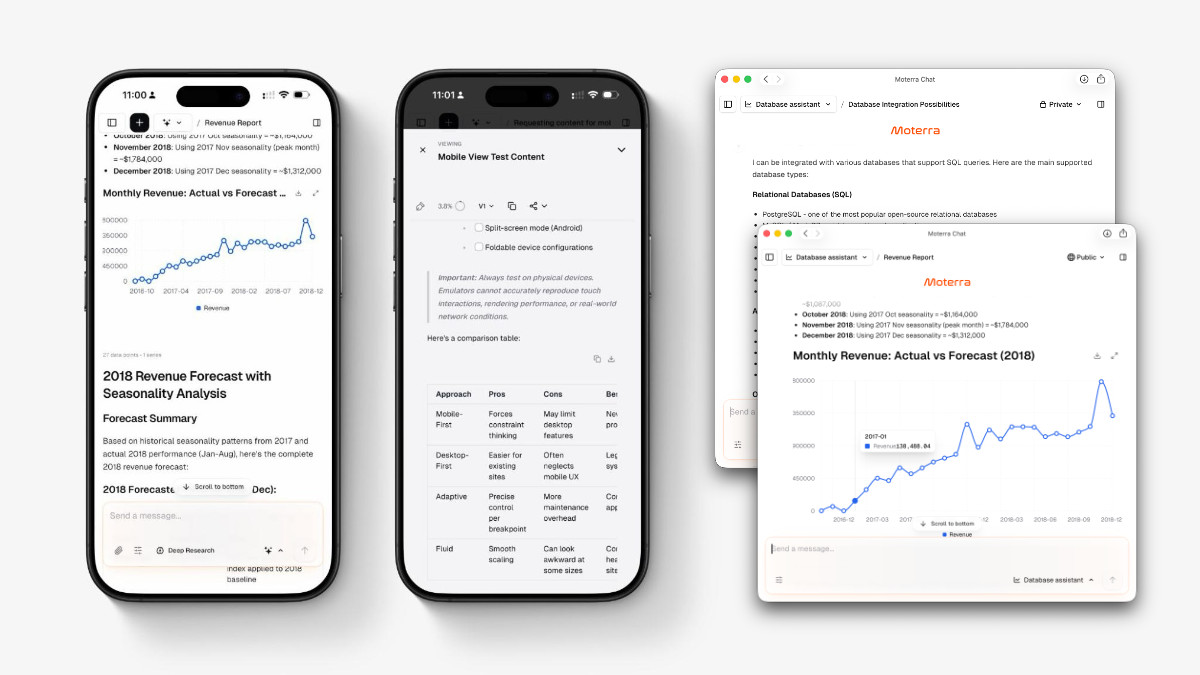
Much better experience on phones and tablets:
- Fixed scrolling issues – Browse your chat history smoothly
- All buttons work properly – Every feature is now accessible and functions correctly on mobile
- Actually usable on mobile – The system now works great on any device
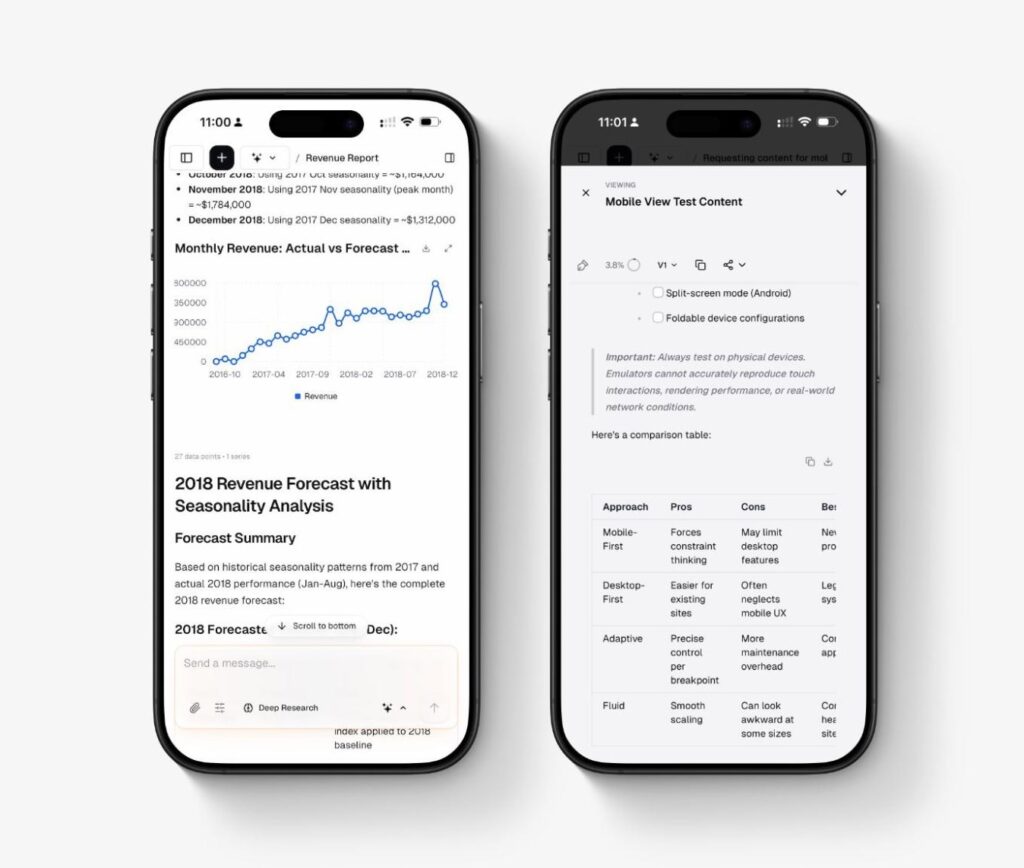
🚀 Performance Improvements
Everything runs faster and smoother:
- 5× faster AI responses – Text appears on your screen almost instantly
- Better handling of long conversations – When chats get lengthy with many messages and files, the system intelligently manages what information to keep, removing less relevant older content to maintain performance
- More stable overall – The system works reliably even during busy times